Video File Size Calculator
Estimate how much storage a video needs from its resolution, frame rate, codec and duration, or type your own bitrate. See GB vs GiB and how long a card or SSD will record
Video Settings
Multiply by the number of identical clips to size a whole project or shoot day
Estimate assumes a constant bitrate plus about 2% container overhead. Variable-bitrate files vary with scene complexity.
How to use this tool
- Choose the resolution, frame rate and codec, or pick a custom bitrate if you know the Mbps.
- Choose a quality level and an audio track.
- Enter the duration in hours, minutes and seconds, and the number of clips.
- Read the estimated size in GB or GiB, the total bitrate and how long different cards or drives will record.
Worked example
One hour of 1080p at 30 fps with the Standard H.264 preset is 1920 × 1080 × 30 × 0.10 = 6.22 Mbps of video. Adding 128 kbps of AAC audio gives 6.35 Mbps, and with a 2% container allowance the file is 2,914,099,200 bytes: 2.91 GB, or 2.71 GiB. A GiB is about 7.4% larger than a GB, which is why a card sold as 64 GB shows less in some operating systems. At this bitrate a 64 GB card holds about 21 h 57 min. Bits-per-pixel values are working assumptions, so a real file depends on your encoder, its settings and how much moves in the picture.
Methodology
A video file is a stream of bits over time, so its size follows from bitrate × duration. The presets turn resolution, frame rate and codec into a typical bitrate; nothing is looked up online. Treat the result as a planning figure, because the real file depends on your encoder, its settings and how much moves in the picture. Example: 1920 × 1080 at 30 fps with the Standard H.264 preset is 1920 × 1080 × 30 × 0.10 = 6.22 Mbps; adding 128 kbps of AAC audio gives 6.35 Mbps, which is about 2.9 GB for one hour.
One hour of 4K, seven ways, plus a card-size case
One hour of 2160p at 30 fps with 128 kbps AAC audio, in decimal GB. Presets are working assumptions, so real files vary with encoder and scene.
| Preset | Video Mbps | Size per hour (GB) |
|---|---|---|
| H.264 Low | 14.9 | 6.91 |
| H.264 Standard | 24.9 | 11.5 |
| H.264 Camera-grade | 87.1 | 40.0 |
| H.265 Standard | 14.9 | 6.91 |
| AV1 Standard | 12.4 | 5.77 |
| ProRes 422 LT | 408.1 | 187 |
| ProRes 422 HQ | 880.9 | 404 |
Read it as a ladder: Standard H.264 at this size is about 11.5 GB per hour, while H.265 and AV1 use fewer bits per pixel in the presets, so they land lower. ProRes is an editing format and sits in another league. The 2% container allowance is already included.
Case: Tomás shoots four 12-minute clips at 1080p, 60 fps, H.265 High, AAC 256 kbps. Video is 1920 × 1080 × 60 × 0.10 = 12.44 Mbps, total 12.70 Mbps. For 48 minutes the tool shows 4.66 GB (4.34 GiB), about 5.83 GB per hour, so a 64 GB card holds roughly 10 h 58 min. Had he picked 30 fps, the video bitrate would halve and the total would drop to about 2.38 GB. He keeps 60 fps only for the action scenes. The “Smallest Storage That Fits” line says 16 GB for the whole shoot, so the 64 GB card is about spare recording hours, not this project.
Storage Gear for Video Projects
Fast drives, cards and readers for recording, offloading and backing up the footage you just sized
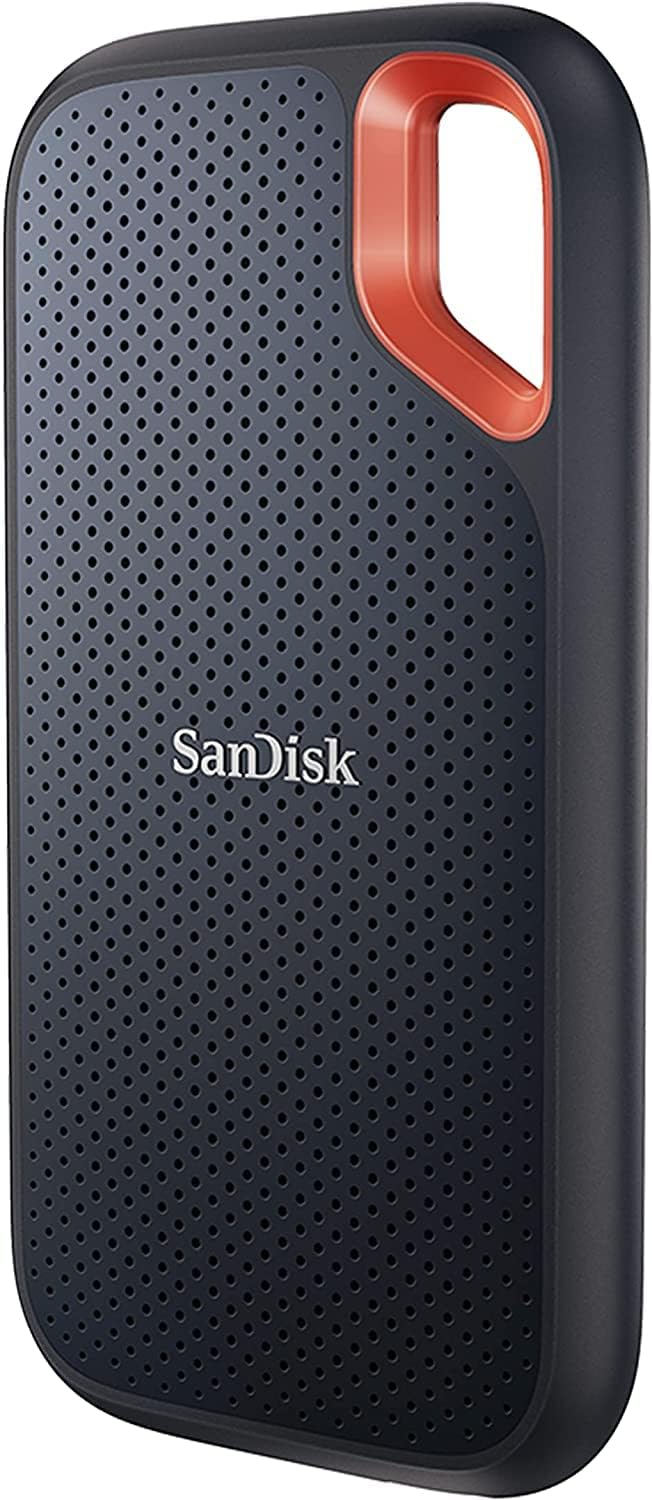
SanDisk 2TB Extreme Portable SSD, up to 1050MB/s, USB-C, IP65
USB 3.2 Gen 2 drive with IP65 water and dust resistance, with room for multi-hour 4K projects and fast footage offloading.

SanDisk 256GB Extreme PRO SD UHS-I Card, 250MB/s read, 170MB/s write, V30
U3/V30 card made for 4K UHD and Full HD recording, with up to 170MB/s write speed.

Anker 7-in-1 USB-C Hub, 4K@60Hz HDMI, 85W PD, SD/TF Card Reader
Adds an SD/TF card reader, 2 USB 3.0 ports, a USB-C data port and 4K@60Hz HDMI to a laptop (charger not included).
As an Amazon Associate we earn from qualifying purchases at no additional cost to you.
Frequently asked questions
Why is my camera's real file bigger or smaller than the estimate? ▼
The estimate assumes a steady bitrate. Many cameras record at a fixed bitrate set by the recording mode, while streaming-style encodes vary with motion and detail. If you know your camera's bitrate from its menu or manual, choose Custom bitrate and type it in; the result will then be close to what the camera writes, apart from container overhead.
Why does a 256 GB card show less than 256 GB on my computer? ▼
Card makers count 1 GB as 1,000,000,000 bytes, but many operating systems report in GiB (1,073,741,824 bytes), so a 256 GB card appears as roughly 238 GiB before the file system takes its share. Use the GB/GiB switch to see your project in the unit your computer displays.
How many GB is one hour of 4K video? ▼
At 2160p and 30 fps, the Standard H.264 preset with 128 kbps AAC audio gives about 11.5 GB per hour, while the camera-grade H.264 preset (about 87 Mbps) reaches about 40 GB per hour. ProRes 422 HQ at 1080p30 (about 220 Mbps) needs roughly 100 GB per hour, and at 2160p30 (about 880 Mbps) roughly 400 GB per hour.
Does the estimate include audio? ▼
Yes. Pick an audio track and its bitrate is added to the video stream: AAC at 128 kbps adds almost nothing, but uncompressed 24-bit/48 kHz stereo PCM adds 2.3 Mbps, about 1 GB every hour.
How do I size a whole shoot day? ▼
Enter the length of one clip and the number of clips. Example: 12 clips of 8 minutes each in 2160p30 camera-grade H.264 with AAC audio come to about 64.1 GB (59.7 GiB), just over a card labeled 64 GB. Leave a margin of at least 10 to 20 percent for file-system space, metadata and clips that run longer than planned.